![Consultinghouse-Market-Entry-Germany (1)-1.png]](https://service.consultinghouse.eu/hs-fs/hubfs/Consultinghouse-Market-Entry-Germany%20(1)-1.png?height=40&name=Consultinghouse-Market-Entry-Germany%20(1)-1.png)
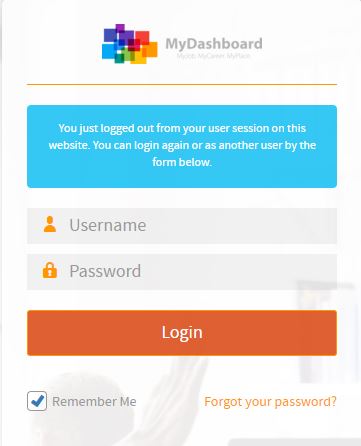
Please login on the homepage https://mydashboard.consultinghouse.eu
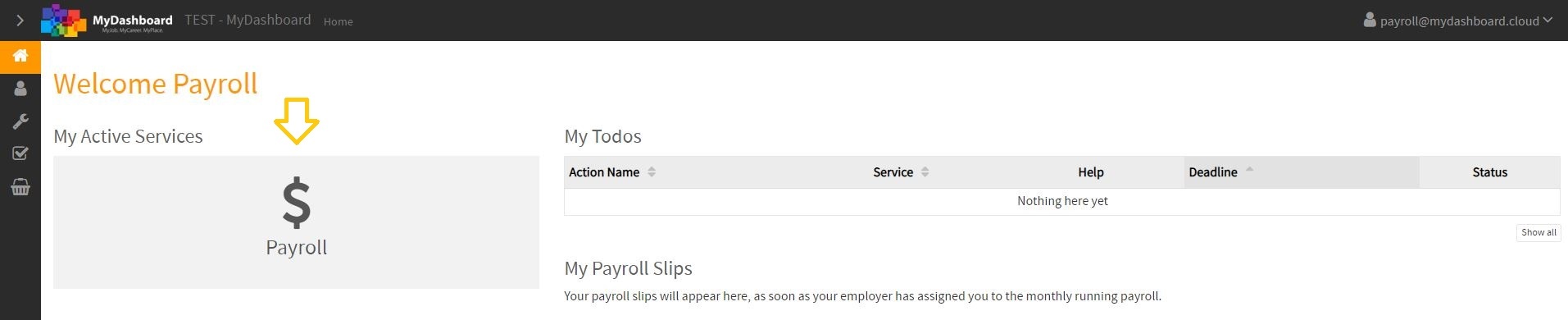
Click on the main page on your active services "Payroll"
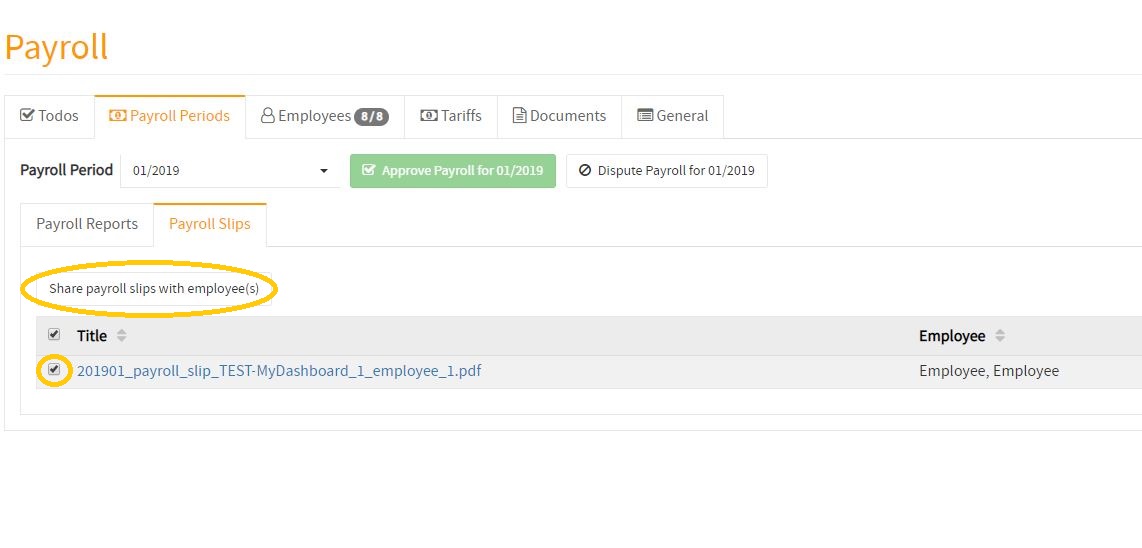
Select the individual payroll slips and tick the payroll slips you want to share.
Click on the button "share payroll slips with employee(s)".
To send out the notification to your employees, please click on the save button.
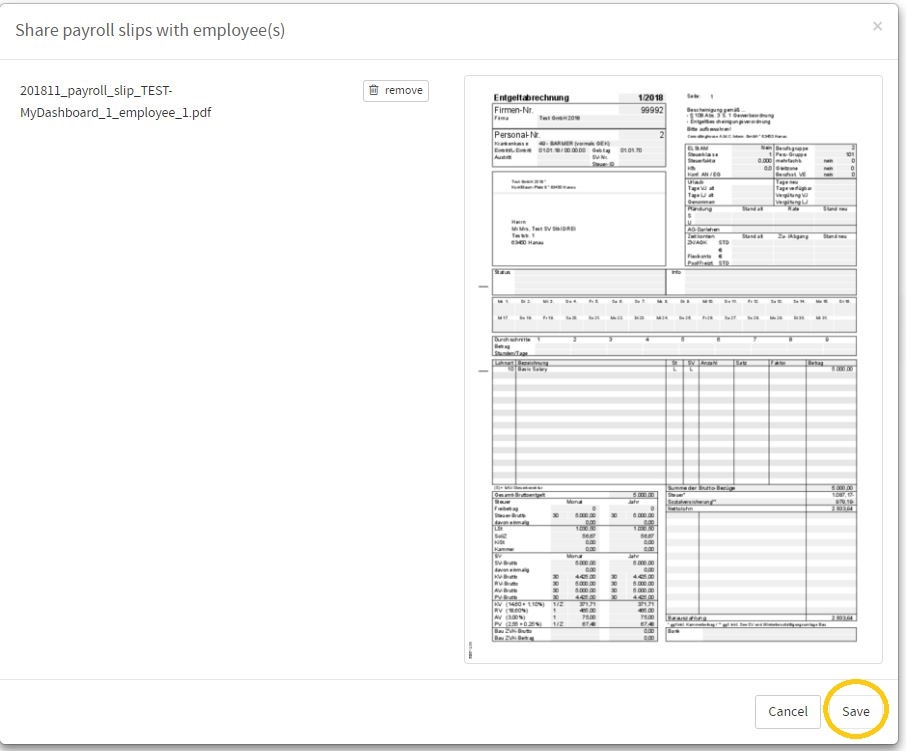
The employee(s) will then receive an email, with the information that the payroll slips are ready and can now be viewed by employees individually by login in to their secure Dashboard.
How to approve my employees payroll slips and share them with my employee(s)
In the following video, you will find a tutorial about how to approve and share payroll slips with your employee(s).