![Consultinghouse-Market-Entry-Germany (1)-1.png]](https://service.consultinghouse.eu/hs-fs/hubfs/Consultinghouse-Market-Entry-Germany%20(1)-1.png?height=40&name=Consultinghouse-Market-Entry-Germany%20(1)-1.png)
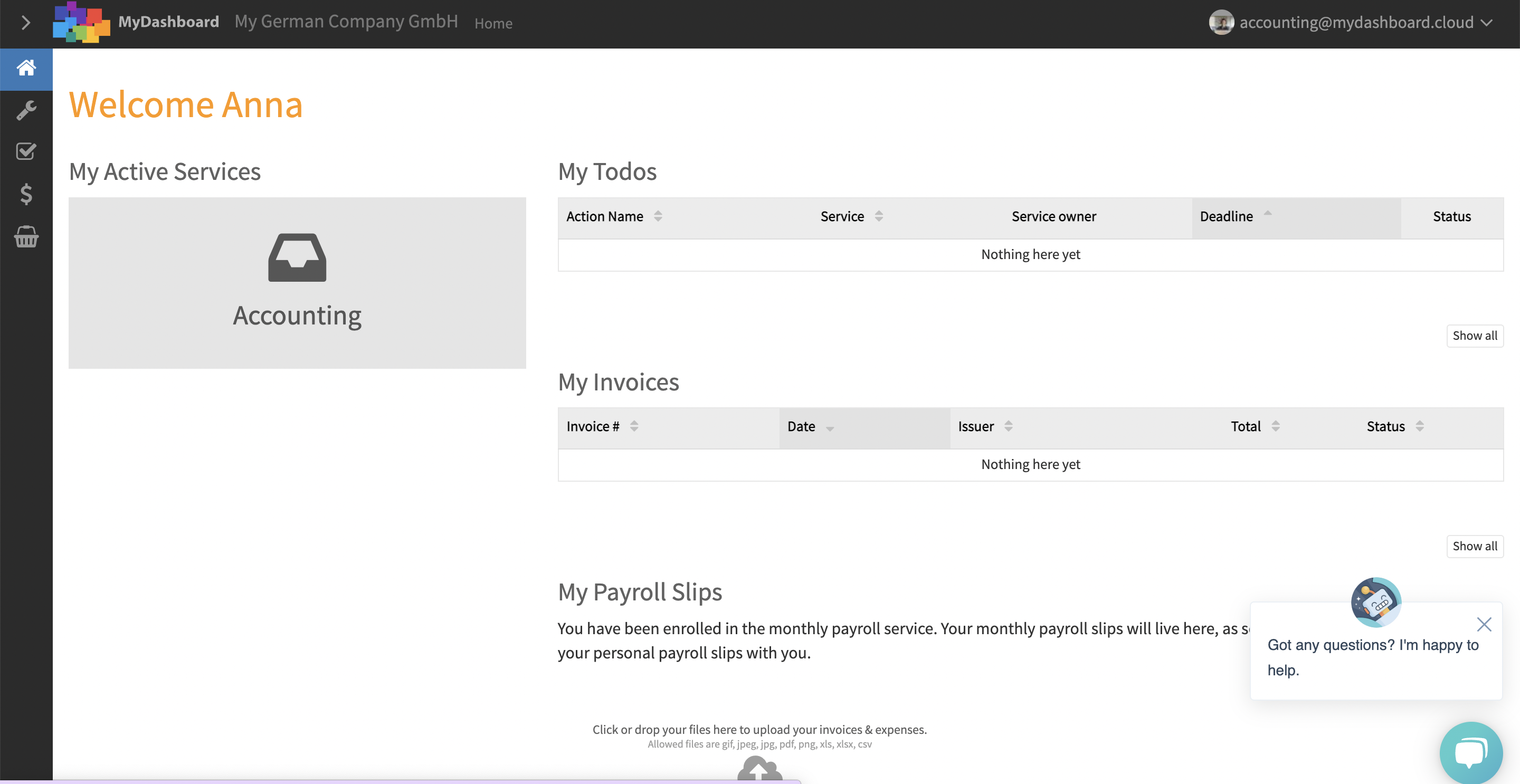
Open your accounting service
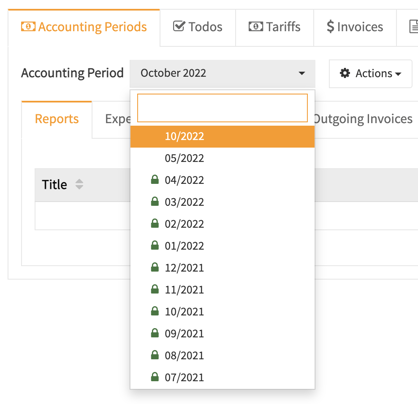
Select the right month
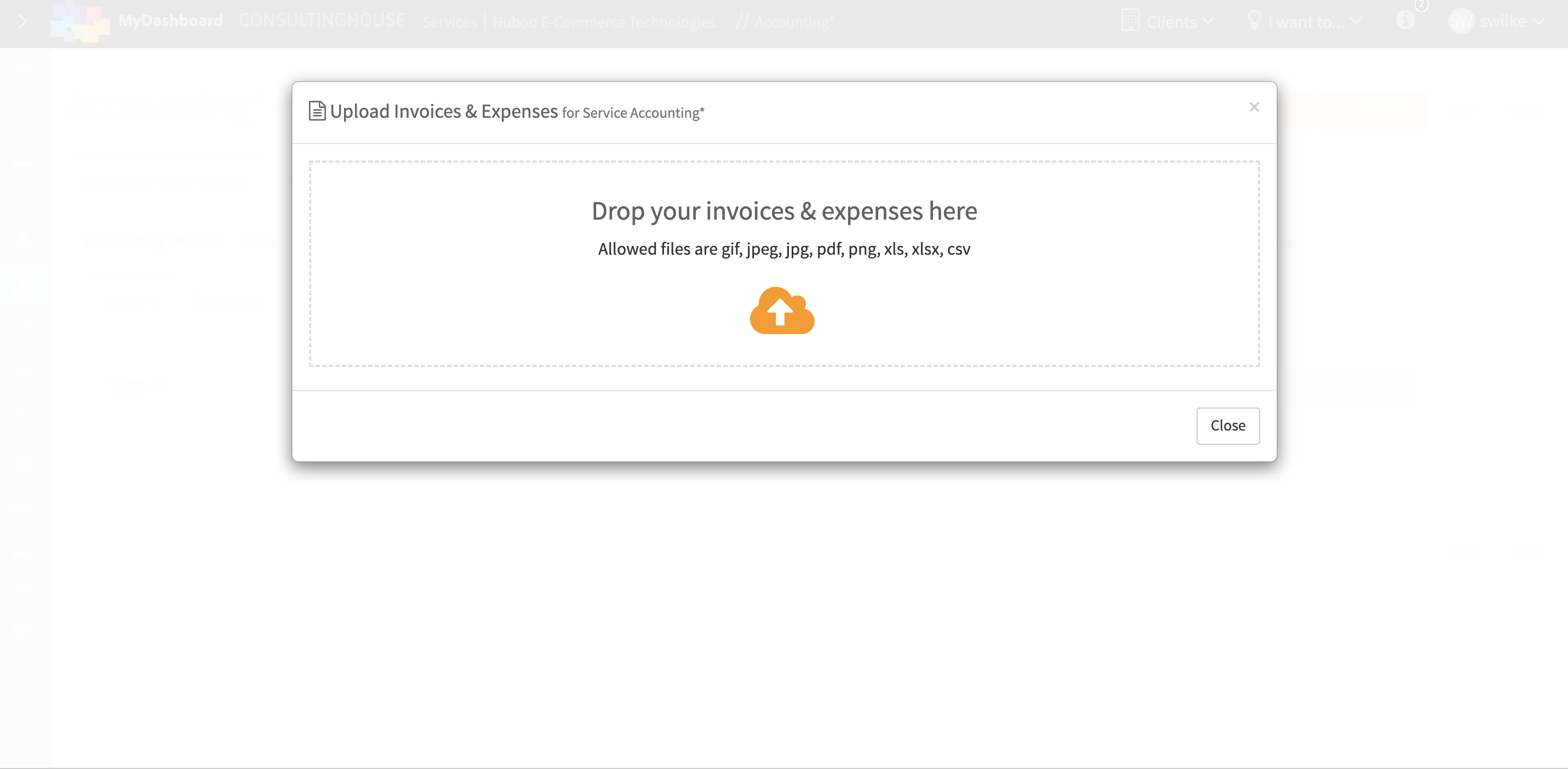
Click on the button "Add Invoices & Expenses"

Import your Amazon VAT Transaction report in CSV format
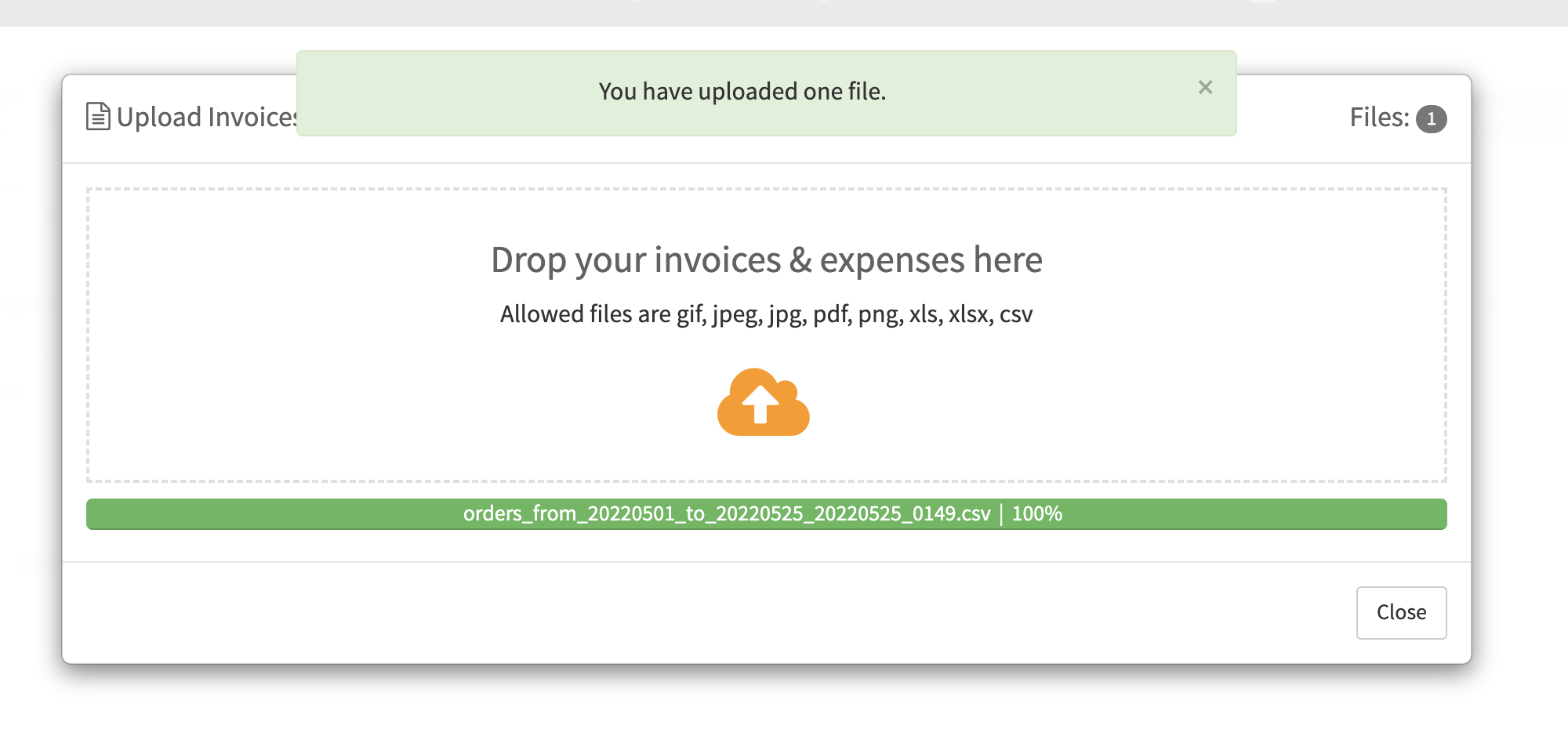
Open the tab "Data xChange" to view the uploaded Amazon VAT Transactions Report
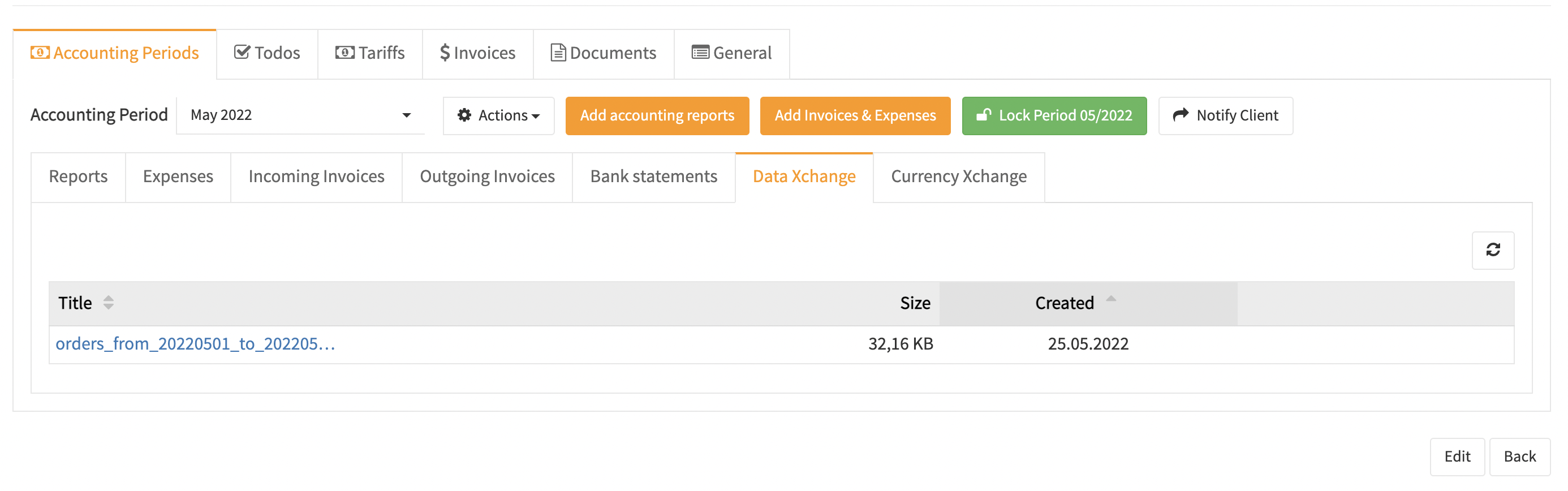
Open the Amazon VAT Transactions Report by clicking on the wedge icon
