![Consultinghouse-Market-Entry-Germany (1)-1.png]](https://service.consultinghouse.eu/hs-fs/hubfs/Consultinghouse-Market-Entry-Germany%20(1)-1.png?height=40&name=Consultinghouse-Market-Entry-Germany%20(1)-1.png)
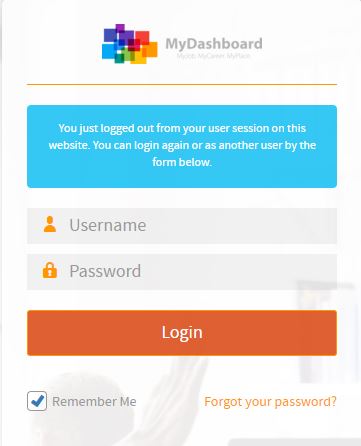
Please login on the homepage https://mydashboard.consultinghouse.eu
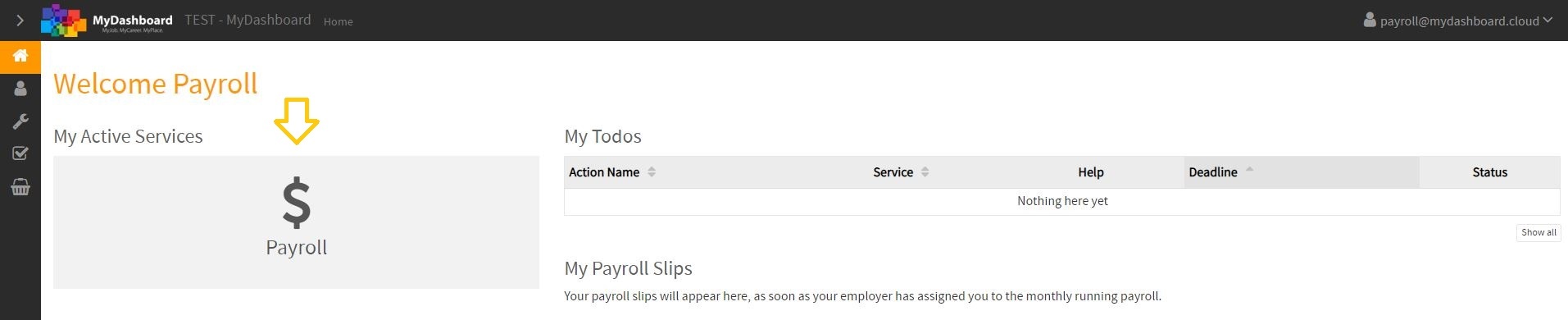
Click on the main page on your active services "Payroll"
Select the correct period and check your payroll reports.
If they are not correct or have any other faults, you can dispute them in MyDashboard.
Click on the button "Dispute Payroll for XY/20XX".
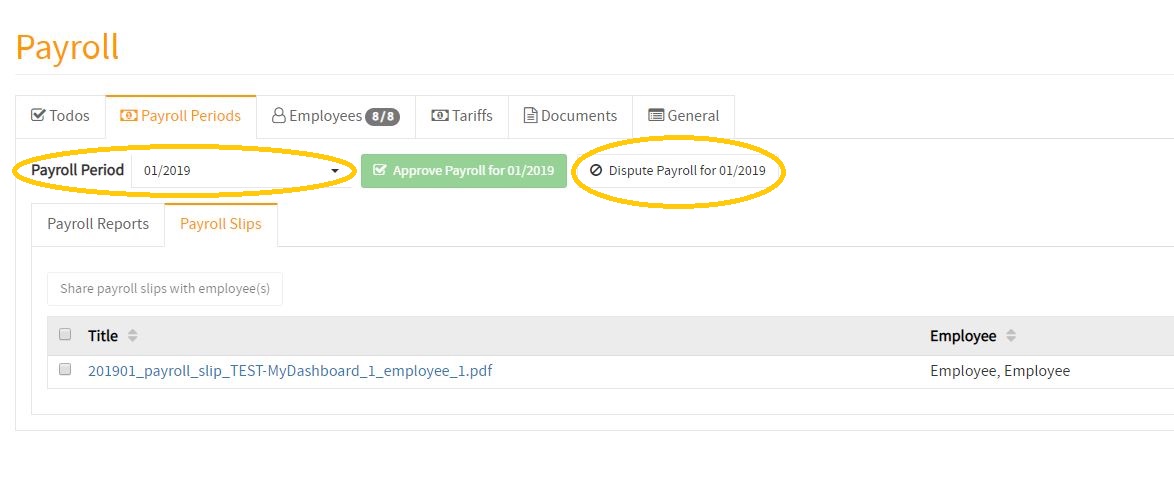
If you click on the dispute button, the Consultinghouse team will receive an Email with the information, that you have disputed your payroll reports.