![Consultinghouse-Market-Entry-Germany (1)-1.png]](https://service.consultinghouse.eu/hs-fs/hubfs/Consultinghouse-Market-Entry-Germany%20(1)-1.png?height=40&name=Consultinghouse-Market-Entry-Germany%20(1)-1.png)
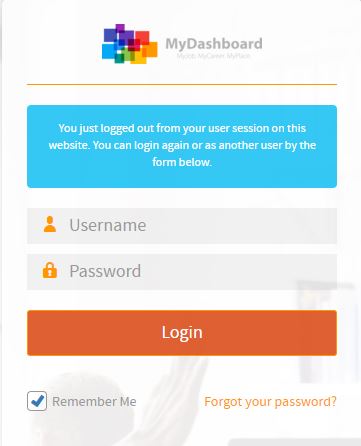
Please login on the homepage https://mydashboard.consultinghouse.eu
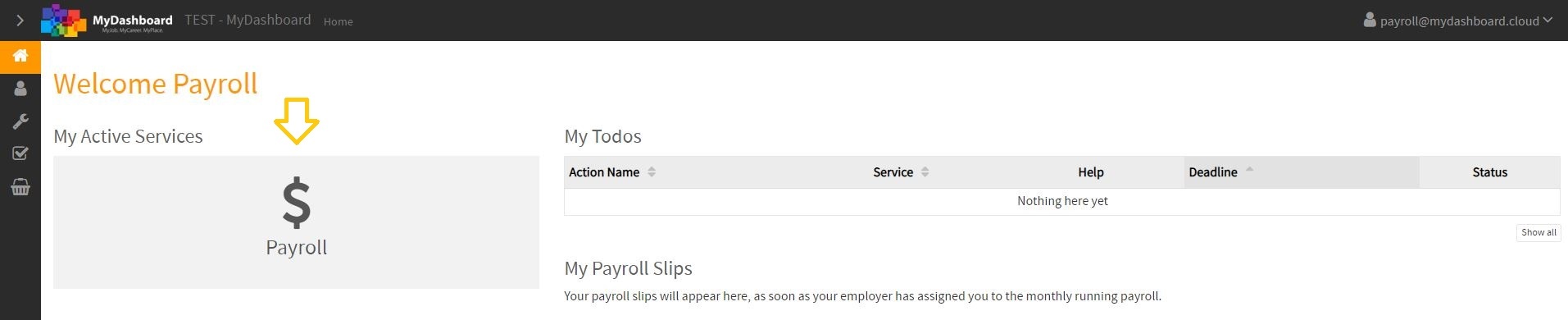
Click on the main page on your active services "Payroll"
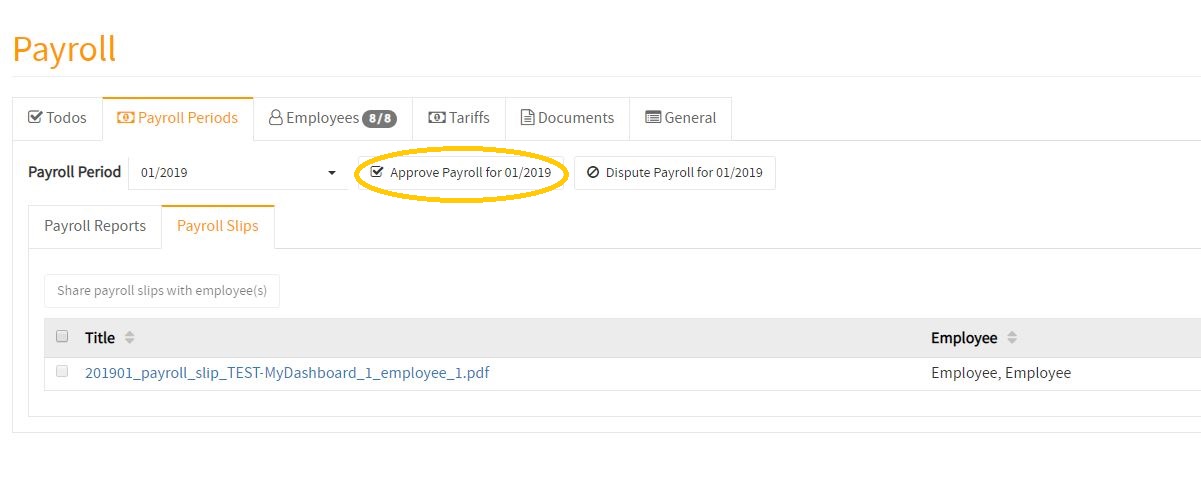
Select the correct period to check your monthly payroll reports.
If they are correct, click on the "Approve Payroll for XY 20XX" button
How to approve my monthly payroll reports
In the following video, you will find a tutorial about how to approve your monthly payroll reports.